How Do You Host a Skill Game Tournament Online?

Last Updated: November 8, 2026
Quick Summary
To host a skill game tournament online, pick one game your players already know, choose a format like single or double elimination, and build a free bracket before the event starts. Write a short rules document covering scoring, check-in, and disputes, then run matches through one game link and one chat channel.
- Pick one game for the whole event; mixing games mid-tournament confuses players and complicates your bracket.
- Set check-in to open 30 minutes before the first match, and anyone who misses the deadline forfeits.
- Give players 10-15 minutes after a match to report a problem with platform evidence.
- Split tournament needs into four jobs: registration, bracket management, match play, and communication.
- Run a two-player test match first; it teaches more than a page of planning.
Table of Contents
- Pick a Skill Game Your Players Already Know
- Set Your Event Goals and Choose a Tournament Format
- Use an Online Tournament Rules Template
- Build Your Online Gaming Tournament Bracket
- Create an Online Tournament Schedule and Check-In Flow
- How to Keep Online Tournaments Fair
- Pick a Platform and Run the Matches
- Challenge a Friend to Your First Match
- Frequently Asked Questions
Pick a Skill Game Your Players Already Know
The best game for your first skill game tournament is one your players already understand. Skip the tutorial phase and go straight to competition.
Casual groups often stall when the organizer picks something "cool" nobody knows how to play. Half the bracket can spend round one reading rules while the other half gets bored.
Familiarity beats novelty. Pick a game with simple rules and a clear winner.
Here's what works well for casual groups:
- Tic Tac Toe - zero learning curve, fast rounds
- Connect 4 - easy to teach, satisfying to win
- Typing Race - skill-based, great for online matches
- Speed Math - deterministic, so scores are easy to compare
- Memory and reaction games - quick, no setup
You can browse options like Tic Tac Toe, Connect 4, or a Typing Race and pick what fits your crowd.
Match the game to your audience. A study group will enjoy Speed Math. A group chat full of trash talkers will love anything head-to-head.
One rule: pick one game for the whole event. Mixing games mid-tournament confuses players and complicates your bracket.
Set Your Event Goals and Choose a Tournament Format
A skill game tournament needs a format before a bracket. The format decides match count, event length, and how forgiving you are to early losers.
Start with your goal. Is this a quick lunch-break contest or a weekend-long rivalry? That answer picks your format.
| Format | Best For | Time Needed | Fairness |
|---|---|---|---|
| Single elimination | Fast events, many players | Short | Harsh, one loss ends it |
| Double elimination | Serious competitors | Medium | Forgiving, second chance |
| Round robin | Small groups, 4-6 players | Long | Everyone plays everyone |
Single elimination is simple to run: lose once, you're out (Single-elimination tournament).
Double elimination adds a losers' bracket, good if your group takes bragging rights seriously.
Round robin suits a small, committed group: everyone plays everyone, and the best record wins.
Set a target participant count too. A 16-player bracket runs smoothly; a 40-player bracket needs more time, check-ins, and patience.
Use an Online Tournament Rules Template
An online tournament rules template is a single document that spells out eligibility, match rules, scoring, and how disputes get settled. Write it once and reuse it for every event.
Here's a simple template you can copy:
Tournament Rules
- Eligibility: Open to [who can join]. One entry per person.
- Game: [Game name] only. No substitutions.
- Match format: Best of [1/3/5].
- Scoring: [How a win is counted].
- Check-in: Players must confirm [X minutes] before their match.
- No-shows: A player who misses check-in forfeits the match.
- Disputes: Report issues to [organizer contact] within [X minutes].
- Fair play: Cheating or exploiting bugs means disqualification.
- Prizes: [What the winner gets, or "bragging rights only"].
Keep it short. A two-page rules doc gets read. A ten-page one gets ignored.
Post the rules where everyone can see them. Pin them in the group chat and link them at registration.
The rules also protect you: when someone argues a result, you point to the document.
Build Your Online Gaming Tournament Bracket
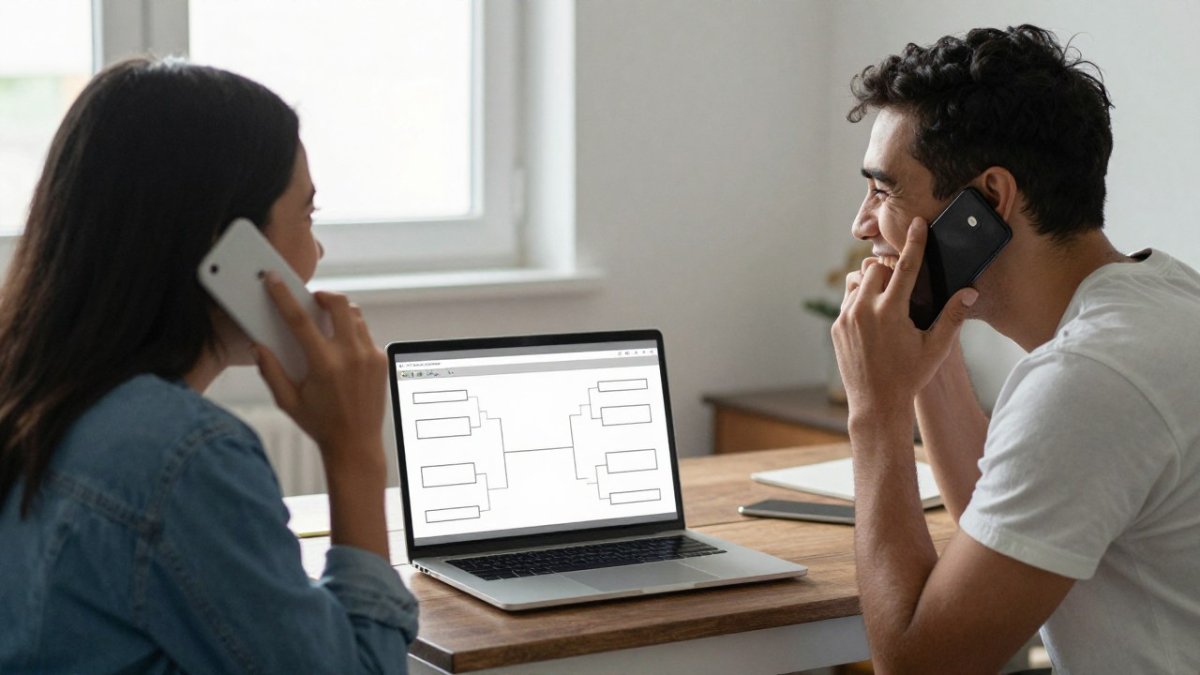
An online gaming tournament bracket is the visual map of who plays whom, in what order. Build it before the event starts, not during.
Free bracket tools handle this: enter player names, pick your format, and the tool generates the matchups.
Here's the build order:
- Lock your player list and seed players by skill or randomly
- Choose single or double elimination
- Generate the bracket
- Share a view-only link with all players
- Update results after each match
Seeding matters more than people think. Random seeding keeps casual groups fair; skill-based seeding prevents your two best players meeting in round one.
For small groups, a round robin gives every player more matches than a bracket does.
Keep the bracket visible so players know who they face next. A shared link solves that.
Create an Online Tournament Schedule and Check-In Flow
An online tournament schedule is the timeline of matches, and check-in is how you confirm players actually show up. Both need to exist before you send the first invite.
Build your schedule around time zones. If players are scattered, post every match time in a single time zone and add a converter link.
A simple schedule includes:
- Round start times - when each round begins
- Match windows - how long players have to finish
- Check-in deadline - when players must confirm
- Buffer time - 10-15 minutes between rounds
Check-in is the part organizers skip, and the part that saves events.
Set check-in to open 30 minutes before the first match. Players confirm they're present and ready. Anyone who misses the deadline forfeits.
This kills the worst tournament problem: waiting on a player who never shows.
Send reminders when check-in opens and 10 minutes before it closes. A quick group-chat message does the job.
How to Keep Online Tournaments Fair
Fair play in a skill game tournament differs from esports: no aimbots, wallhacks, or patch versions to coordinate. The real risks are ambiguous scoring, self-reported results, account sharing, and unplanned ties.
Define skill-based scoring before the first match. A skill game needs a scoring rule that rewards the skill you are testing and nothing else.
Use server-side verification wherever the game supports it. The strongest fairness mechanism is a game that records moves and outcomes on a server, so neither player can alter the result.
Plan for ties before they happen. Ties are far more common in skill games than in elimination brackets because scoring is often numeric. Decide the tiebreaker in advance and write it down.
Handle disputed outcomes with a fixed process. Give players 10-15 minutes after the match to report a problem with platform evidence, then rule within the same window and post the call in the shared channel.
Separate skill from luck in the format. Some games have a luck component. If your game does, use a best-of-three or best-of-five format so a single lucky round does not eliminate the better player.
For deterministic games like Speed Math, fairness is mostly a scoring-rule problem, not an anti-cheat problem. Same questions and same scoring produce comparable results, so the work goes into writing a precise scoring rule and a tiebreaker.
Watch out: a common fairness failure is letting players self-report scores with no check and no tiebreaker. Clear score checks and tiebreakers keep competition friendly, while ikilzu Productions connects that same spirit of fair play with the relaxed planning that makes an online gaming night enjoyable.
Pick a Platform and Run the Matches
Choosing a platform for a tournament means comparing several tools for registration, brackets, matches and chat. The practical approach: split your needs into four jobs, pick one tool per job, and connect them with a single shared link.
The four jobs are registration, bracket management, match play, and communication. You can run all four in one platform or combine separate tools.
Job 1: Registration. You need a form that collects player name, contact handle, time zone, and any eligibility confirmations. A standard form builder works. Keep the form short, every extra field lowers completion.
Job 2: Bracket management. Use a dedicated bracket tool rather than a spreadsheet. Bracket tools generate matchups, update results, and give players a view-only link.
Job 3: Match play. This is where skill games differ from esports. You do not need a game client, a lobby system, or a voice channel. You need a game link that works on any device and produces a verifiable result.
Job 4: Communication. Pick one channel and only one, a group chat, a Discord server, or a shared thread. Bracket links, match calls, and result reports all live in the same place.
Here is a step-by-step setup you can run in about an hour:
- Create the registration form and set a close date.
- Create the bracket in your bracket tool using a placeholder player list.
- Create the shared chat channel and pin the rules document and the bracket link.
- Test the game link on a phone and a computer to confirm it loads without an account.
- Run one two-player test match and confirm the result appears correctly in your bracket tool.
- Send the registration link with the rules document attached.
When comparing platforms, build a simple scorecard: list your must-haves (no-download play, server-verified results, view-only bracket link, free tier) and mark each candidate pass or fail. A tool that fails a must-have is out, however many features it has.
Watch out: don't run matches across five different apps. Every extra app is a place where a player loses the link, misses a match call, or reports a result in the wrong thread. Consolidate to one chat channel and one bracket link, and put both in the registration confirmation.
For skill games, match play can be simpler than for esports. If the game is browser-based and server-verified, you can run a tournament from a form, a bracket tool, and a chat channel.
Challenge a Friend to Your First Match
The fastest way to learn how to host a skill game tournament online is to run a two-player test first. One match teaches you more than a page of planning.
Send a link, play a round, and see how it feels. That first match shows you check-in timing, result reporting, and how fair play works in practice.
When you're ready to play with friends, you can start a game online with friends and share the link in any chat. No app or account needed.
Then scale up. Add players, build the bracket, set the rules, and run the event.
Running a tournament shouldn't feel like a second job. BeatMe Games keeps it simple: tiny skill games, a link you drop in chat, and server-side verification so every result is fair. No downloads, no accounts, no entry fees. Get started with BeatMe Games and settle the score with your friends today.
Frequently Asked Questions
How do you organize a skill game tournament online?
Start by choosing a game everyone can access from their own device, then set clear event goals and a format like single elimination. Write a short rules sheet covering eligibility, scoring and no-shows. Send invite links through your existing group chat, set a schedule with check-in times, and build a bracket so every player knows their next match. Keep one place for results and disputes so nothing gets lost between chats.
Can you host a casual skill game tournament without downloads or accounts?
Yes. Browser-based games that run from a shared link remove the biggest drop-off point: asking friends to install an app or create a login. With BeatMe Games, you pick a game, send the link in any chat, and the other player joins instantly on phone, tablet or computer. That makes a casual skill game tournament realistic for a group of friends who just want to settle a score during a break.
How do you keep an online tournament fair?
Fairness comes down to three things: consistent rules for everyone, a scoring method players can see, and a platform that verifies moves rather than trusting the player's device. Server-side move verification stops someone from editing results locally. Add a simple no-show policy, a check-in window, and one named person to rule on disputes. Publish the bracket and results so the whole community can follow along.
How long should an online game tournament last?
Match your length to your audience. A casual single-elimination bracket with 8 to 16 players usually fits in one evening or a lunch break series. If players are in different time zones, spread rounds across a few days and let matches happen live or at each pair's own pace. Set a deadline per round rather than a fixed clock, and keep rounds short enough that a single no-show does not stall the whole online tournament schedule.
